





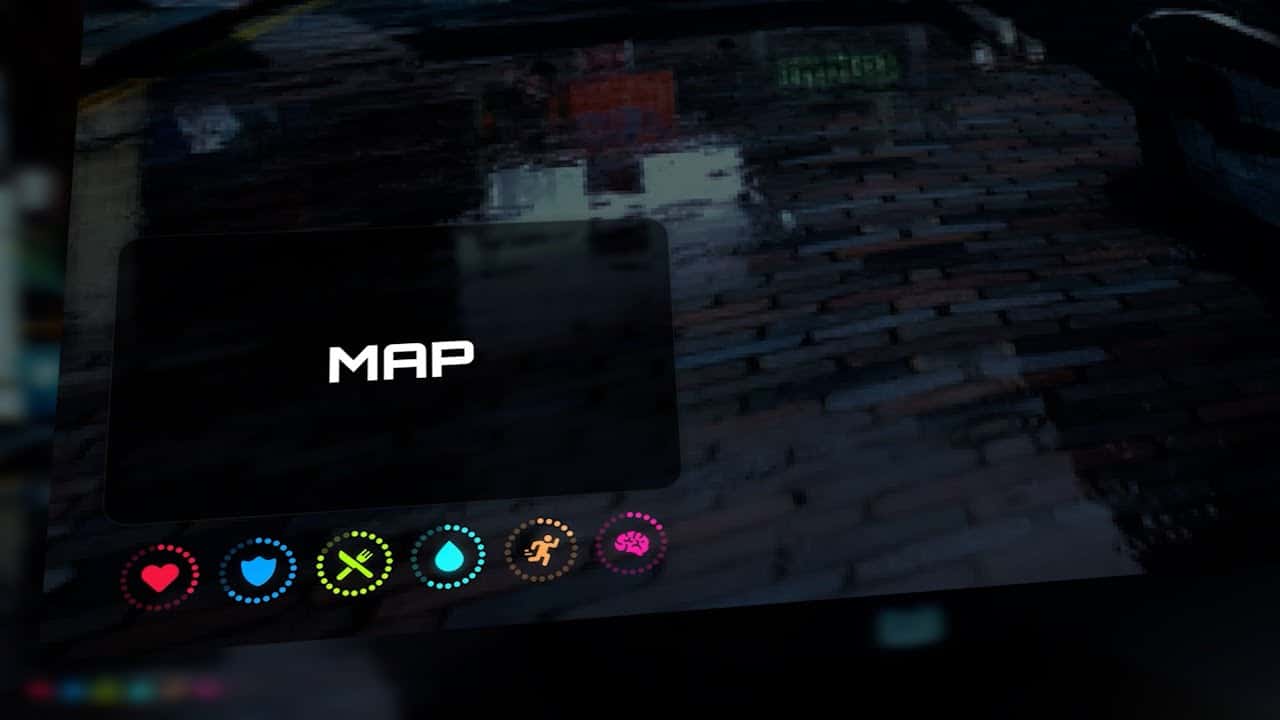
Pure HUD is a FiveM heads-up display by UZ Scripts. It provides configurable player, money and stress displays. Use the creator’s Pure HUD page and its linked repository to obtain the resource.
Check the version before installation
The creator’s current product page lists QBCore, Qbox and ESX. The repository’s Customize.lua exposes separate QBCore and ESX integration paths, including older variants. Match the downloaded version to your actual framework; a framework name alone does not prove compatibility with every replacement inventory, fuel script or custom core.
Install and configure Pure HUD
- Back up your existing HUD and configuration, then work on a separate test server.
- Extract the resource without adding an extra folder above
fxmanifest.lua. The manifest expects the interface atresources/build/index.html; confirm that the download contains it. - Review
Customize.lua, including the framework selection, speed units, minimap, display switches and fuel-reading function. - Add an
ensureentry using the actual resource folder name after its framework dependencies. Temporarily disable the old HUD on the test server to avoid overlapping interfaces.
Verify the result
Compare displayed health, armor, money, stress and fuel against the game state. Test on foot, in a vehicle, after reconnecting and at your players’ screen sizes. Check the client F8 and server consoles. Restore the previous HUD if required values are missing or incorrect.
For general troubleshooting, follow the FiveM HUD installation guide.