Use Coupon WELCOME to save 20%

$ USD
  • $ USD
  • € EUR
  • £ GBP
  • $ AUD
  • R$ BRL
  • CHF CHF
  • ¥ JPY
FiveM server.cfg

Configure FiveM server.cfg and Verify Your Changes

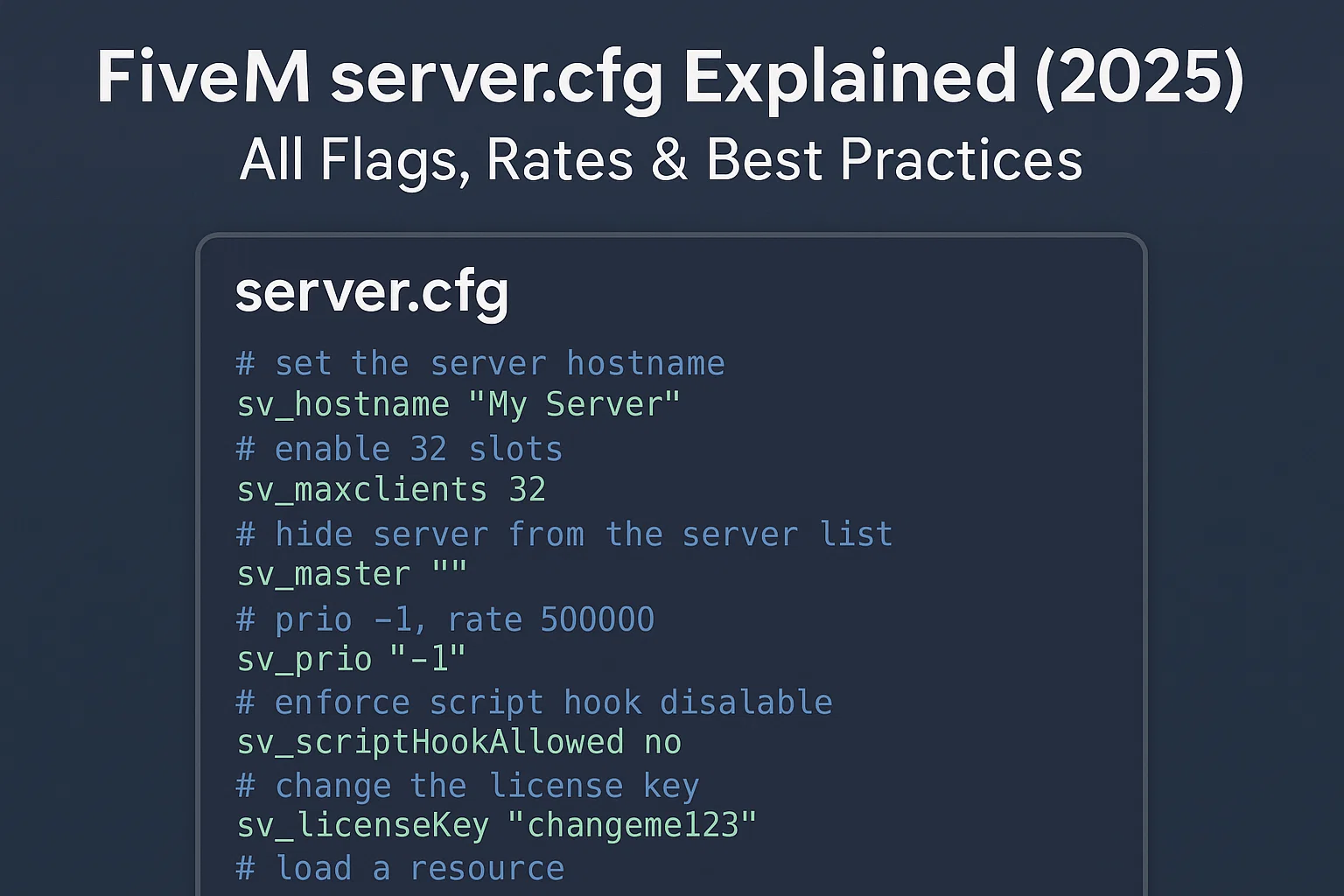
Edit the server.cfg that your active FXServer or txAdmin profile actually loads. Keep a working copy, change only the setting you need and verify startup plus a real player connection. The configuration tool below can help draft settings; review its output against your installed resources and the official reference.

FiveM Error Fixes

FiveM Error Codes and Fixes: Diagnostic Guide

Do not start by deleting every FiveM folder. Record the exact error, decide whether it affects one client, one server or every server, and change one variable at a time. The same wording can have different causes, so this page maps symptoms to evidence rather than promising one universal fix.

mysql async oxmysql

Migrate mysql-async Resources to oxmysql Safely

Move a resource from mysql-async to oxmysql by changing its driver setup and reviewing each query’s parameters, return value and error handling. A driver migration does not require rewriting your database schema, and it does not guarantee faster gameplay.

FiveM Server Performance: Linux vs Windows Complete Techn…

FiveM Server on Linux vs Windows: How to Choose

Linux is usually the better FiveM server choice for an operator already comfortable with Linux automation; Windows is often the safer choice when a required tool, resource or support workflow depends on Windows. There is no defensible universal claim that one uses a fixed percentage less CPU or RAM. Test the same FXServer artifact, resources, database and workload on the hardware you may actually deploy.

How To Optimize FiveM Server Performance

How to Optimize FiveM Server Performance

Start by measuring the failure. Low client FPS, high resource time, server hitches, database waits and network loss are different problems. Capture a repeatable baseline at a representative player count before removing resources or copying convars from another server.

FiveM FPS Title Image

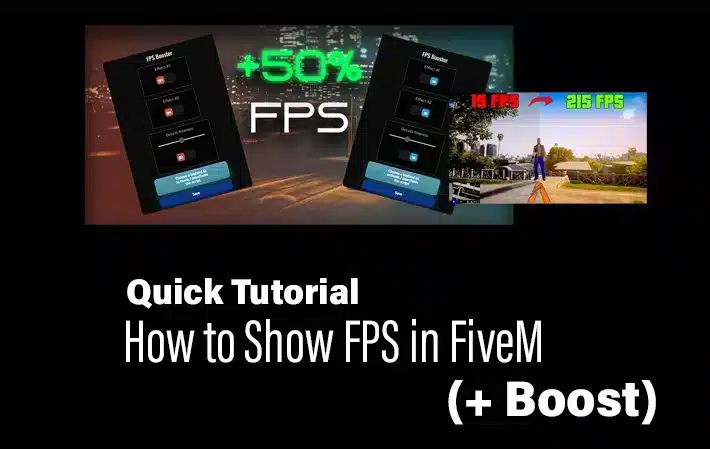
FiveM FPS Command: How to Show the FPS Counter

To show FPS in FiveM, press F8 , enter cl_drawfps true , and press Enter. The counter appears in a screen corner. To hide it again, run cl_drawfps false .