Use Coupon WELCOME to save 20%

$ USD
  • $ USD
  • € EUR
  • £ GBP
  • $ AUD
  • R$ BRL
  • CHF CHF
  • ¥ JPY
How to Connect txAdmin to Discord (2025 Guide)

How to Connect txAdmin to Discord: Status, Roles and Whitelist

To connect txAdmin to Discord, create a dedicated Discord application and bot, invite it to the correct server with only the permissions it needs, copy the bot token into txAdmin’s Discord settings, and configure status messages and role-based access as separate features. Keep the token private: it authenticates the bot and should never appear in screenshots, client files or a public repository.
How to Set Up a Discord Whitelist for Your FiveM Server (…

Set Up a Discord Role Allowlist for FiveM

A Discord role allowlist lets staff approve access by assigning a specific role. Use the Discord-role mode built into your installed txAdmin version, then test both an approved and an unapproved account before relying on it.

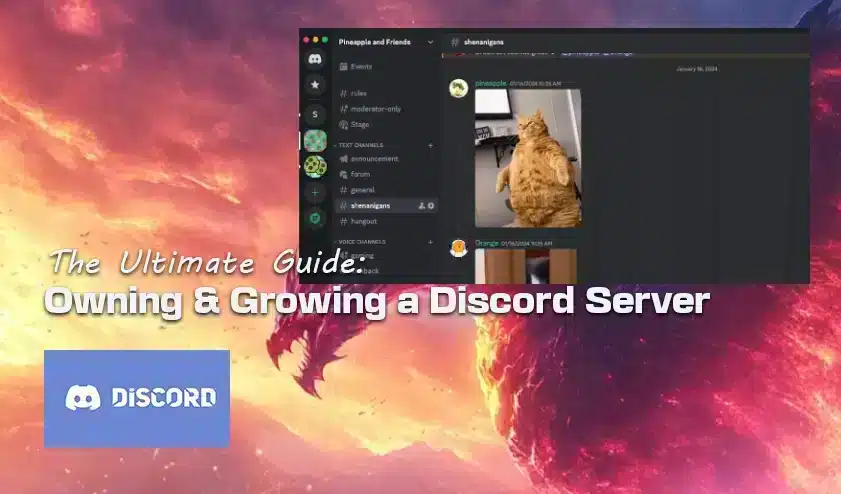
The Ultimate Guide: Owning & Growing a Discord Server

Build a Discord Community for Your FiveM Server

Build the Discord around the tasks your FiveM players need to complete: understand the rules, join the server, apply for a whitelist, get support and find events. Start with a clear welcome route and a small set of useful channels. There is no universal ideal member count or threshold at which you need custom bots.